





You know that feeling when you visit a website, and it takes ages to load, or you find broken links, or plugin windows pop up asking you to update, not exactly confidence-inspiring, right?
That’s why website maintenance matters. Think of your website like a car: once you’ve built it, you can’t just leave it sitting. You need to fuel it, fix the tires, check the oil, otherwise you’ll be stranded somewhere.
In today’s fast-moving digital space, even small issues can hurt trust and push visitors away. A slow page, an outdated plugin, or a form that doesn’t work can quietly kill conversions.
Therefore, regular maintenance fixes those problems before they grow and keeps your site performing at its best. It also plays a big role in SEO. Search engines prefer clean, reliable, and up-to-date websites. When your site is well maintained, it’s easier for search engines to crawl, index, and rank your pages.
Most importantly, maintenance improves user experience. In this guide, we’ll break down what website maintenance really includes, why it matters, the tools that make it easier, and how you can set up a simple maintenance workflow for long-term success.
What is Website Maintenance?
Website maintenance means regularly taking care of your website so it keeps working properly and stays up to date.
It includes checking for issues, fixing anything that’s broken, and making updates to keep everything running smoothly. It also includes tasks like installing security updates, backing up data, fixing bugs, optimizing performance, and refreshing content. Regular maintenance helps improve user experience, boost SEO rankings, and protect against security threats. To ensure your site is performing well in search engines, consider using SEO audit tools to identify areas for improvement.
Why is a Website Maintenance Plan Important?
A website maintenance plan is important because it helps keep your website secure, fast, and reliable at all times. Instead of fixing problems only after they appear, a maintenance plan allows you to prevent issues before they affect your users or your business. A well-maintained website also supports better Google keyword ranking, improving your visibility on top search engines.
Key benefits of a website maintenance plan include:
- Strong protection against malware and hacking
- Faster loading speed and better performance
- Improved search engine visibility through the best SEO tools
- Fewer technical errors and broken features
- Better user experience on all devices
- Reduced risk of website downtime
- Lower long-term repair and recovery costs
- A more professional and trustworthy brand image
Also, it supports better performance, stronger security, improved SEO, and a smoother user experience.
6 Types of Website Maintenance Tasks
Website maintenance involves different tasks that keep your website secure, updated, and functioning smoothly. Each task plays a specific role in ensuring long-term stability and performance.
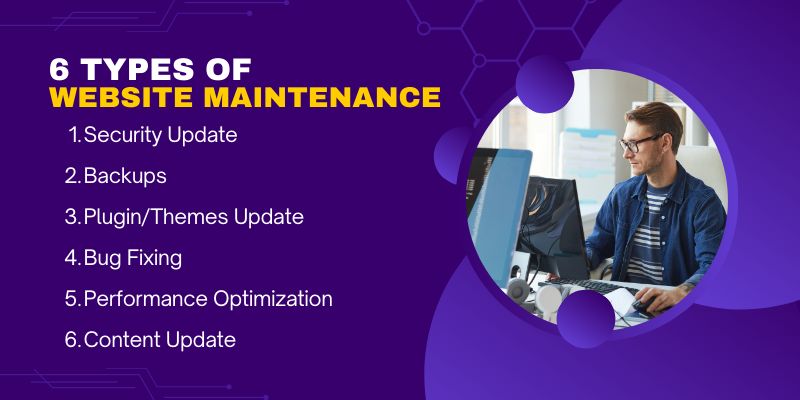
The primary types of website maintenance tasks include
1. Security Updates
Security updates protect your website from vulnerabilities, malware, and unauthorized access. This includes updating core files, installing security patches, and monitoring for suspicious activity.
2. Backups
Regular backups ensure you never lose your website’s data. Scheduled daily or weekly backups allow you to restore your site quickly in case of a crash, hack, or accidental deletion.
3. Plugin/Theme Updates
Updating plugins and themes keeps your website stable and compatible with the latest versions of your CMS. These updates fix bugs, improve performance, and close potential security gaps.
4. Bug Fixing
Bug fixes address issues such as broken links, display errors, and malfunctioning features. This helps maintain user satisfaction and prevents functionality problems from growing over time. If there are problems with a page’s SEO, SEO ranking report softwares can help pinpoint issues.
5. Performance Optimization
Performance tasks include image compression, caching, code cleanup, and database optimization. These efforts improve loading speed, enhance user experience, and support better search rankings.
6. Content Updates
Content updates keep your website fresh and relevant. This includes adding new blog posts, refreshing product details, replacing old images, and updating important business information.
Monthly vs Weekly vs Annual Maintenance Checklist
Regular website maintenance becomes easier when tasks are organized by frequency. Some tasks require weekly attention, others are best handled monthly, while a few only need to be reviewed once a year.
This structured approach ensures consistent performance, security, and stability without overwhelming your workflow.
1. Weekly Maintenance Checklist
These tasks help keep daily operations smooth and prevent small issues from becoming major problems:
- Check for broken links or missing images
- Review website forms to ensure they are working
- Monitor website uptime and loading speed
- Approve and respond to user comments or inquiries
- Scan for security threats or unusual activity
2. Monthly Maintenance Checklist
Monthly tasks focus on performance, updates, and user experience improvements:
- Install plugin, theme, and CMS updates
- Run a full security scan
- Review analytics to track traffic and behavior
- Test website features across devices and browsers
- Clean up unused media, drafts, or spam comments
- Optimize database and remove unnecessary data
3. Annual Maintenance Checklist
Annual tasks help you refresh the website and prepare for long-term growth
- Renew hosting, domain, SSL certificates, and licenses
- Evaluate website design and functionality for upgrades
- Conduct a full SEO audit and update outdated content
- Review backup strategy and storage
- Test disaster recovery or website restoration process
- Analyze overall performance and plan improvements for the year
5 Key Areas of Website Maintenance
Proper website maintenance focuses on several key areas to ensure the site is secure, functional, and performing at its best.
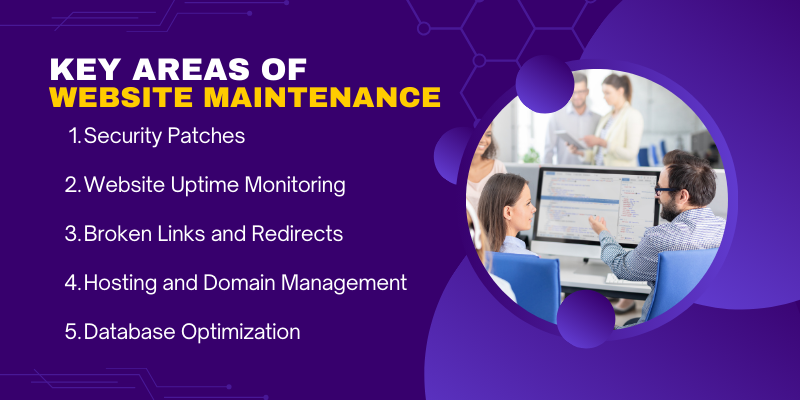
Below are the core areas that need regular attention:

1. Security Patches
Security is a top priority in website maintenance. Regularly updating security patches for your content management system (CMS), plugins, themes, and server helps protect against vulnerabilities and hacking attempts. Timely patching keeps your website safe from known threats and ensures compliance with industry security standards.
2. Website Uptime Monitoring
Website downtime can lead to lost traffic, reduced conversions, and a damaged reputation. Continuous uptime monitoring ensures that your website is always available to users. Tools like UptimeRobot or Pingdom can notify you immediately if your website experiences downtime, enabling quick resolutions.
3. Broken Links and Redirects
Broken links can frustrate visitors and harm SEO performance. Regularly checking for broken internal and external links, and fixing them with proper redirects, is vital. Set up 301 redirects for any moved pages, and ensure no 404 errors are encountered by users.
4. Hosting and Domain Management
Managing your hosting environment and domain settings is crucial to website performance. Regular checks should be done to ensure:
- Your hosting service meets performance expectations
- Your domain registration is up-to-date
- Your SSL certificate is active for secure browsing
- Any changes to DNS settings are properly configured
5. Database Optimization
Over time, your website’s database can become cluttered with unnecessary data. Database optimization includes tasks like:
- Cleaning up old post revisions, drafts, and spam comments
- Optimizing database tables for faster performance
- Backing up the database regularly to avoid data loss.
This helps maintain fast load times and smooth website performance.
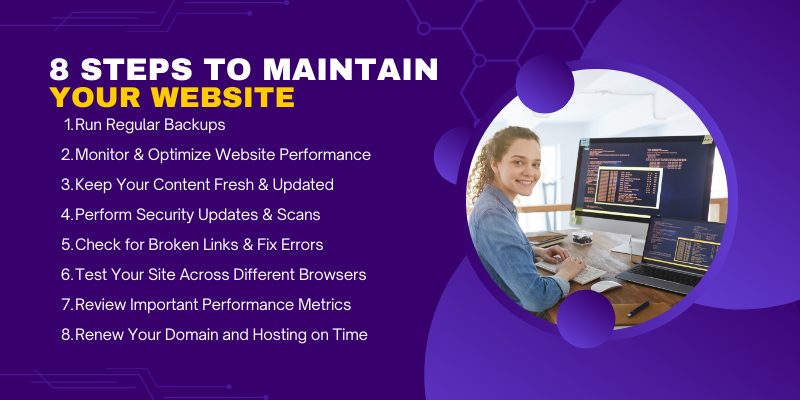
How to Maintain Your Website for Optimal Performance?
Keeping your website in great shape goes beyond design. It directly affects speed, security, and user trust. Regular maintenance helps your site run smoothly, perform well in search engines, and meet visitor expectations.
Additionally, link building strategies play a vital role in improving your site’s authority and search rankings. Ensure your site is optimized for Link Building, which can lead to higher search engine visibility.
Below is a simple website maintenance checklist to help you stay on track:
- Run regular backups and set up a disaster recovery plan
- Monitor and optimize website performance
- Keep your content fresh and updated
- Perform security updates and scans
- Check for broken links and fix errors
- Test your site across different browsers
- Review important performance metrics
- Renew your domain and hosting on time
Use this checklist as a starting point and customize it based on your website’s specific goals. A simple maintenance routine will save time, prevent issues, and keep your site running smoothly.
1. Run Regular Backups and Set Up a Disaster Recovery Plan
Backups protect your website data in case something goes wrong. If your site crashes, gets hacked, or files are deleted, you can restore everything quickly. A disaster recovery plan helps you get your website back online with minimum downtime.
2. Monitor and Optimize Website Performance
Performance monitoring helps you track how fast your website loads and how well it runs. Optimization includes improving speed, fixing slow pages, and reducing load time so visitors don’t leave due to delays.
3. Keep Your Content Fresh and Updated
Outdated content makes your site look inactive and unreliable. Updating blogs, images, product info, and services keeps your site relevant, improves SEO, and builds user trust.
4. Perform Security Updates and Scans
Security updates fix vulnerabilities that hackers can exploit. Regular scans help detect malware, threats, and suspicious activity early before they cause damage.
5. Check for Broken Links and Fix Errors
Broken links hurt user experience and SEO. Regular checks ensure all internal and external links work properly and users don’t land on error pages.
6. Test Your Site Across Different Browsers
Your website should work properly on Chrome, Edge, Firefox, Safari, and more. Browser testing ensures your design, forms, and features behave the same for every user.
7. Review Important Performance Metrics
Tracking metrics like traffic, bounce rate, page speed, and conversions helps you understand how users interact with your site and where improvements are needed.
8. Renew Your Domain and Hosting on Time
If your domain or hosting expires, your site can go offline instantly. Timely renewals prevent downtime and protect your brand’s online presence.
6 Common Website Maintenance Mistakes
Many websites suffer from avoidable issues that could have been easily prevented with proper care. Here are common mistakes to avoid during website maintenance:
- Ignoring backups: Failing to schedule regular backups increases the risk of losing your website data in case of an emergency.
- Skipping security updates: Not applying security patches leaves your website vulnerable to cyber-attacks and malware.
- Not testing after changes: Skipping post-update tests can result in broken features or hidden issues affecting user experience.
- Neglecting performance optimization: Poor site speed and unoptimized code can drive users away and hurt SEO, leading to lower rankings, especially with the 503 Status Code error affecting uptime.
- Overlooking uptime monitoring: Not regularly checking your site’s uptime can lead to unexpected downtimes that impact traffic and conversions.
- Ignoring broken links: Broken links degrade user experience and harm SEO rankings.
Frequently Asked Questions (FAQs)
How Can I Back Up My Website?
You can back up your website manually through your hosting control panel or use plugins like UpdraftPlus (for WordPress) to automate backups. Cloud services like Google Drive, Dropbox, or Amazon S3 can be used for secure offsite storage.
What Happens If I Don’t Maintain My Website Regularly?
Failure to maintain your website can lead to slower load times, security vulnerabilities, broken links, outdated content, and poor user experience. These issues can negatively affect SEO rankings and drive visitors away, potentially harming your business.
How Do I Know If My Website Is Secure?
To check if your website is secure, you can use security plugins (like Wordfence for WordPress) to scan for vulnerabilities, ensure your SSL certificate is active, and monitor for any unauthorized access attempts. Regularly applying security updates also helps maintain protection.
Conclusion
Website maintenance is essential for ensuring that your site remains secure, fast, and fully optimized. Ongoing updates are crucial to improving your site's performance, which directly impacts user experience, SEO rankings, and overall growth. Regular maintenance not only keeps your site running smoothly but also helps identify and address issues before they become significant problems. By staying on top of security patches, performance optimizations, and content updates, you ensure long-term success and avoid costly downtime or data loss. Consistent website maintenance enables your site to adapt to changing technologies, stay competitive, and provide visitors with a seamless, trustworthy experience. This is why partnering with a company like Centric, can be helpful to ensure your website's continuous improvement and growth.





