





Wondering how to reduce AWS/Azure cloud costs? Let’s dive in and find out.
Managing cloud expenses can be a significant challenge for businesses that rely heavily on cloud solutions.
As more companies migrate to cloud platforms like AWS and Azure, it’s easy for cloud costs to spiral out of control without effective management.
Without monitoring and optimization, these costs can quickly become unsustainable. A strategic approach to managing these costs ensures that organizations can take advantage of cloud benefits while keeping expenses in check.
Both AWS and Azure are among the leading cloud providers, offering a wide range of services, from compute power to storage solutions. However, each platform presents unique cost management challenges that require specific strategies to effectively optimize spending.
In this guide, you’ll learn how to reduce AWS/Azure cloud costs and optimize your cloud expenses effectively. Discover key strategies to save money.
Understanding Cloud Cost Components
Understanding cloud cost components involves analyzing the various factors, such as compute, storage, and data transfer, that contribute to overall cloud expenses.
Some of the key components of cloud computing are
1. Cost Breakdown in AWS
AWS pricing is based on a pay-as-you-go model, with costs driven by factors such as compute resources (EC2), storage (S3), and data transfer.
AWS also offers additional pricing components like the use of Elastic Load Balancers, AWS Lambda functions, and other services that can contribute to higher costs if not monitored carefully.
2. Cost Breakdown in Azure
Similar to AWS, Azure cloud pricing follows a pay-per-use model. Key components contributing to costs include virtual machines (VMs), storage (Blob Storage), and networking (bandwidth and VPN gateways).
Azure also offers specific services like Azure SQL Database and Azure Kubernetes Service, which can increase costs depending on usage and configuration.
Common Cost Drivers Across Both Platforms
Both AWS and Azure share common cost drivers, such as over-provisioned resources, unused or underutilized services, and the lack of effective resource scaling.
Additionally, services like high-performance compute instances, large storage volumes, and frequent data transfer between regions or zones can significantly increase overall costs. Identifying and managing these cost drivers is essential to maintaining a cost-effective cloud environment.
Transform Your Business with Microsoft Cloud Solutions!
6 Key Strategies to Optimize Cloud Spending
Optimizing cloud spending is essential for controlling costs and ensuring efficient use of resources. Adopting the right strategies can help businesses avoid unnecessary charges and maximize the value of their cloud computing infrastructure.
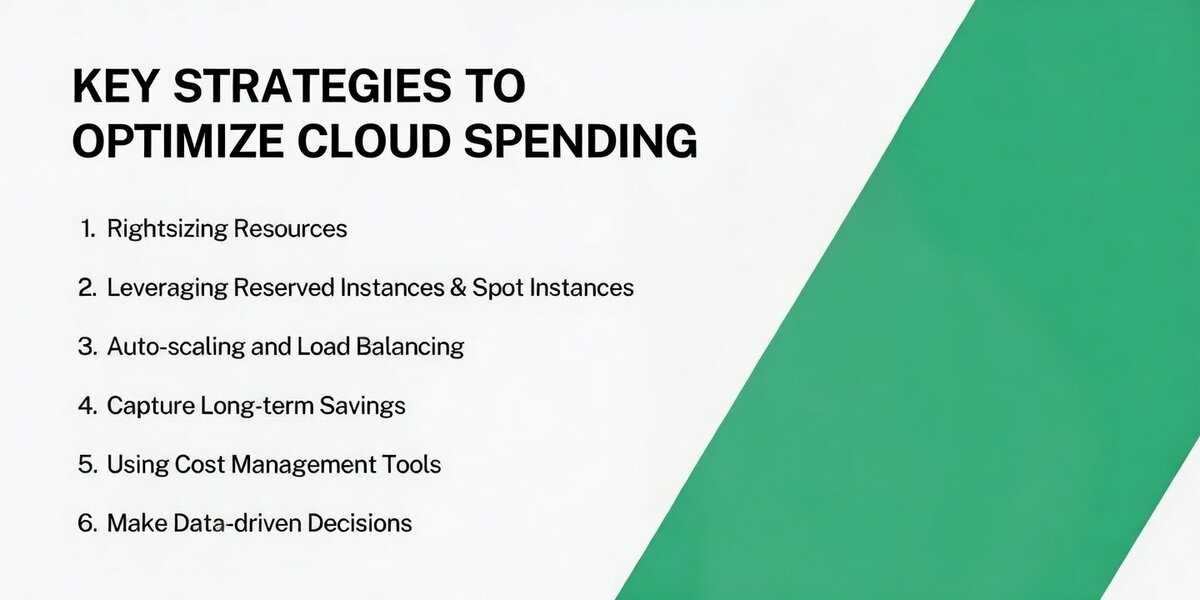
Some of the main key strategies to optimize cloud are:
1. Rightsizing Resources
Rightsizing is the process of ensuring that cloud resources are appropriately sized for the workload they are handling.
This means scaling down instances that are over-provisioned or upgrading those that are underperforming, ensuring you pay only for the capacity you actually need.
Implementing rightsizing effectively can prevent overpaying for unused resources and help businesses achieve a more cost-efficient environment.
2. Leveraging Reserved Instances and Spot Instances
Reserved Instances offer significant cost savings by committing to a one- or three-year term for specific cloud resources.
This is ideal for predictable workloads. Spot Instances, on the other hand, allow users to bid on unused capacity, offering substantial savings for flexible, short-term workloads.
By combining both types, businesses can achieve optimal pricing for different needs, ensuring they get the best value out of their cloud spend.
3. Auto-scaling and Load Balancing
Auto-scaling automatically adjusts resources based on traffic demands, ensuring businesses are not paying for excess capacity during periods of low usage.
Paired with load balancing, which distributes incoming traffic efficiently, these techniques optimize performance and cost-efficiency by ensuring resources are utilized only when needed, preventing over-provisioning.
4. Capture Long-term Savings
Achieving long-term savings with cloud instances involves more than just paying for what you use. While public cloud instances are billed based on usage, there is an opportunity to reduce costs by opting for reserved instances.
This means you commit to a fixed capacity for a specified duration, often with the option to pay in advance, in exchange for a discount.
Instead of paying only for what you consume, you pay for the capacity you’ve reserved. This can be a great deal if your capacity usage aligns with the reservation.
5. Using Cost Management Tools
Both AWS and Azure cloud services offer robust cost management tools like AWS Cost Explorer and Azure Cost Management. These tools allow businesses to monitor usage, track spending, and identify areas where savings can be made.
By utilizing these tools, organizations can gain better visibility into their cloud expenditure and make informed decisions about resource allocation.
6. Make Data-driven Decisions
Regularly review your cloud resource usage data to understand trends and patterns. By identifying idle or underutilized resources, you can downsize or terminate them to avoid unnecessary costs.
For example, data may show that certain virtual machines or storage volumes are rarely used, prompting you to scale them down or shut them off when not needed.
Use data-driven insights to automate the scaling of your resources. This helps avoid over-provisioning and keeps costs in check.
For fluctuating workloads, leverage Spot Instances (AWS) or Low-Priority VMs (Azure) to access unused capacity at a fraction of the cost, based on usage data that helps you anticipate demand.
10 Steps to Reduce AWS/Azure Cloud Costs
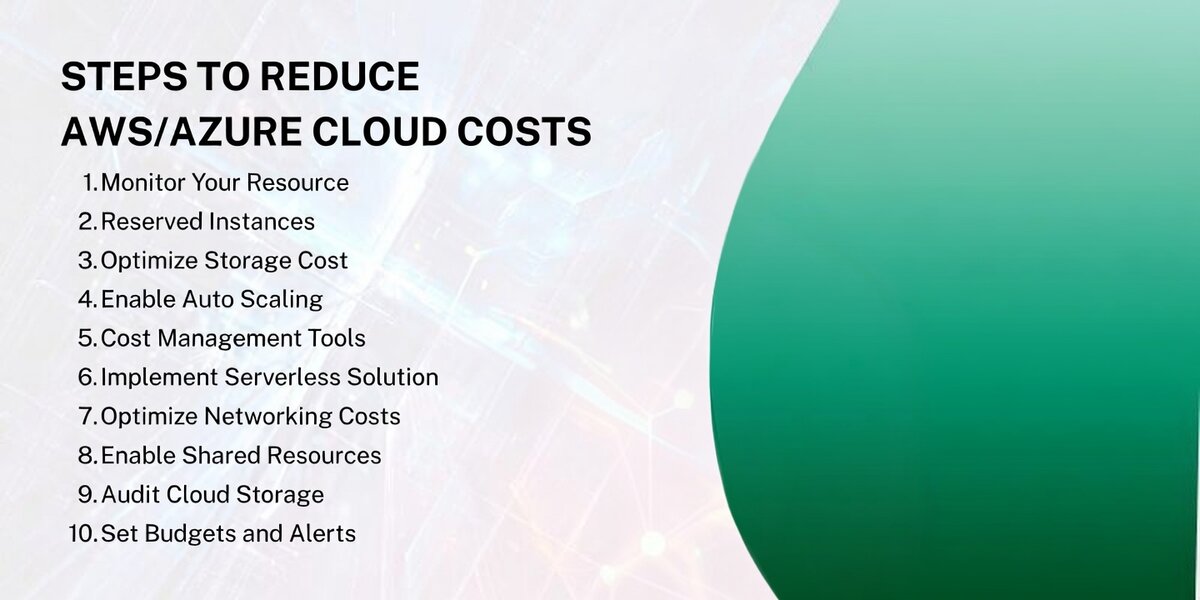
Here are the steps to reduce AWS/Azure cloud costs effectively:
1. Optimize Resource Allocation
Regularly monitor your resource usage using AWS Cost Explorer or Azure Advisor to resize instances and ensure you are only paying for what you actually need.
2. Maximize Savings with Reserved and Spot Instances
Take advantage of Reserved Instances for long-term, predictable workloads, and use Spot Instances for flexible tasks to achieve significant cost savings.
3. Optimize Storage Costs
Prove infrequently accessed data to lower-cost storage tiers like S3 Glacier (AWS) or Azure Blob Storage Archive tier to cut storage costs.

4. Scale Resources Dynamically with Auto-Scaling
Set up auto-scaling for compute resources to automatically adjust resource allocation based on demand, avoiding over-provisioning.
5. Track and Control Spending with Cost Management Tools
Utilize AWS Cost Explorer and Azure Cost Management tools to track usage, forecast spending, and set cost alerts to stay within budget.
6. Implement Serverless Solutions
Use AWS Lambda (AWS) or Azure Functions (Azure) to reduce costs by paying only for the actual execution time of your functions instead of provisioning servers.
7. Optimize Networking Costs
Minimize inter-region data transfer and leverage content delivery networks (CDN) like AWS CloudFront or Azure CDN to lower network-related expenses.
8. Consolidate Billing and Enable Shared Resources
Consolidate billing across multiple AWS accounts to benefit from volume discounts or use Azure's subscription management for better pricing.
9. Monitor and Regularly Audit Cloud Usage
Continuously monitor usage with AWS CloudWatch or Azure Monitor to track resource consumption and identify areas for improvement.
10. Set Budgets and Alerts
Set up custom budget alerts using AWS Budgets or Azure Cost Alerts to proactively manage and prevent overspending.
3 Cost Reduction Techniques Specific to AWS
To reduce costs on AWS, businesses can implement several effective strategies:
1. Using AWS Cost Explorer
AWS Cost Explorer is an invaluable tool that helps users visualize and analyze their cloud spending.
By tracking historical usage and costs, businesses can identify inefficiencies and make informed decisions about optimizing resource allocation. This enables better control over cloud expenses by highlighting areas that need adjustment.
2. Taking Advantage of Savings Plans
AWS offers Savings Plans, which allow businesses to commit to a specific usage level in exchange for significant discounts.
By locking in a one- or three-year commitment for services like EC2, Lambda, and Fargate, businesses can save up to 72% compared to on-demand pricing. This is a highly effective strategy for long-term workloads that are predictable.
3. Optimizing Storage Costs
Storage costs can add up quickly in AWS. By utilizing different storage options like S3 Standard, S3 Infrequent Access, and S3 Glacier, businesses can optimize their spending based on how frequently data is accessed.
Additionally, implementing data lifecycle policies to move older or less frequently accessed data to cheaper storage tiers or delete unnecessary data can help significantly reduce storage costs.
3 Cost Reduction Techniques Specific to Azure
Azure provides several strategies to help businesses reduce cloud spending while maintaining efficient resource usage, including Azure Migration & Modernization techniques:
1. Azure Cost Management + Billing
Azure Cost Management + Billing is a comprehensive tool that allows businesses to track, manage, and optimize their cloud costs. It offers detailed insights into resource usage, cost allocation, and spending patterns.
By setting up budgets, alerts, and spending caps, businesses can prevent overspending and gain greater control over their Azure expenses.
2. Azure Reserved Instances
Similar to AWS, Azure offers Reserved Instances, which allow users to commit to using virtual machines (VMs) for one or three years in exchange for discounted pricing.
By reserving instances, businesses can save up to 72% compared to pay-as-you-go prices, making it an ideal solution for predictable and long-term workloads.
3. Efficient Networking in Azure
Optimizing network usage is another effective way to reduce Azure costs. Businesses can minimize data transfer costs by deploying resources within the same region or using Azure’s Content Delivery Network (CDN) to reduce bandwidth costs.
Additionally, implementing Azure ExpressRoute for private connections can provide more cost-effective, high-speed networking compared to public internet connections.
Best Practices for Ongoing Cloud Cost Optimization
To ensure that cloud costs remain under control over time, businesses must adopt ongoing best practices for continuous optimization:
-
Set Budgets and Alerts: Establish clear budgets for different services or departments and set alerts to notify when usage exceeds predefined thresholds. This helps prevent unexpected charges.
-
Regular Auditing and Monitoring: Continuously audit and monitor cloud resource usage to identify inefficiencies, such as underutilized or idle resources. Real-time monitoring tools like AWS CloudWatch and Azure Monitor are essential for tracking usage and optimizing costs.
-
Implement Auto-Scaling: Use auto-scaling to adjust resources dynamically based on demand, ensuring you only pay for what you need. This helps optimize resource allocation and minimize wastage during low-traffic periods.
-
Use Reserved Instances and Spot Instances: Leverage reserved instances for predictable workloads and spot instances for flexible, non-critical tasks. This can provide significant cost savings compared to on-demand pricing.
-
Right-size Resources: Regularly review and adjust the size of your cloud instances and services to match actual usage. Avoid over-provisioning by scaling resources up or down based on performance and demand.
FAQs
What is Azure Kubernetes Service (AKS)?
Azure Kubernetes Service (AKS) is a managed Kubernetes service that helps businesses deploy and manage containerized applications at scale. It simplifies container orchestration, automates deployments, and provides integrated monitoring and security features to ensure high availability and performance.
How does Azure IoT support real-time data processing?
Azure IoT enables the seamless connection and management of Internet of Things (IoT) devices. With services like IoT Hub and IoT Central, businesses can collect and process data from connected devices in real time, allowing for efficient data analysis, automation, and actionable insights for smart decision-making.
What are the benefits of using Azure Blockchain Service?
Azure Blockchain Service simplifies the development and deployment of blockchain applications by providing a fully managed platform. It enables businesses to create transparent, secure, and tamper-proof distributed ledger applications. The service supports smart contracts and integrates with Azure's ecosystem for enhanced scalability and management.
How can businesses scale applications with Azure Kubernetes Service (AKS)?
Azure Kubernetes Service (AKS) supports horizontal scaling, meaning businesses can increase or decrease the number of containers based on demand. By automatically adjusting resources, AKS ensures that applications remain responsive, cost-effective, and can handle varying traffic loads without manual intervention.
Conclusion
By implementing key strategies such as rightsizing resources, leveraging reserved and spot instances, and utilizing cost management tools, businesses can effectively manage and reduce cloud expenditures. Companies like Centric can significantly benefit from these strategies to control costs more efficiently.
Optimizing storage, networking, and computing resources helps ensure that companies are not overpaying for unused services.
It's essential to approach cloud cost management as an ongoing process. Regular auditing, setting budgets, and continuously optimizing resource allocation are critical for maintaining cost efficiency.
By staying proactive and adopting these strategies, businesses can ensure their cloud infrastructure remains cost-effective while supporting growth and innovation.






