





Microsoft Copilot has transformed how we use Microsoft tools like Word, Excel, and Outlook, integrating AI to make tasks easier, faster, and more efficient.
From generating text to automating workflows and answering complex queries, Copilot has become a trusted assistant for professionals everywhere.
One common question that many users have is: Does Microsoft Copilot use ChatGPT?
While Microsoft Copilot relies on AI, it’s important to note that it uses a combination of Microsoft’s own AI models along with OpenAI’s advanced technologies, including ChatGPT.
ChatGPT’s conversational abilities and natural language understanding play a significant role in certain features, but Copilot also benefits from other AI systems tailored to enhance its diverse functions.
This blog dives into how ChatGPT is integrated into Microsoft Copilot, explaining how this partnership boosts Copilot's capabilities and helps users work smarter.
What is Microsoft Copilot?
Microsoft Copilot is an AI-powered digital assistant integrated into Microsoft 365 products like Word, Excel, PowerPoint, Outlook, and Teams.
Designed to enhance productivity, it helps users complete tasks more efficiently by providing smart suggestions, automating repetitive processes, generating text, and answering questions.
Copilot uses advanced AI models to understand user inputs, adapt to context, and assist with writing, data analysis, summarization, and more.
Does Microsoft Copilot Use ChatGPT?
Yes, Microsoft Copilot leverages ChatGPT as part of its AI-powered capabilities. While Copilot uses a combination of Microsoft’s proprietary AI models and OpenAI's technology, ChatGPT plays a key role in enhancing its natural language processing (NLP) features.
This integration allows Microsoft Copilot to perform a variety of tasks with greater accuracy and efficiency, making it more than just a traditional assistant.
The Role of AI in Microsoft Copilot
Artificial intelligence services play a crucial role in enhancing Microsoft Copilot’s capabilities, making it more than just a traditional assistant.
By integrating advanced AI models, Microsoft Copilot can understand context, generate responses, and automate tasks, providing users with intelligent support across a variety of Microsoft applications.
One of the key ways AI enhances Microsoft Copilot is through natural language processing (NLP). This allows users to interact with Copilot in a conversational manner, asking it to perform tasks like drafting emails, creating reports, or summarizing documents.
AI models like GPT help Copilot understand and generate human-like text, making these tasks faster and more efficient.
AI also aids in data analysis, especially in tools like Excel. Copilot can:
-
Analyze large datasets and identify trends
-
Generate complex formulas
-
Help create pivot tables and visualize data
-
Provide insights based on natural language queries
This level of automation saves users time and effort, particularly when handling large volumes of information.
Furthermore, AI allows Microsoft Copilot services to personalize its responses. It learns from user interactions and adapts to individual preferences and work patterns, ensuring more relevant and targeted assistance as it evolves.
Check Our Artificial Intelligence Services
How ChatGPT Enhances Microsoft Copilot?
Here’s how ChatGPT is used in Microsoft Copilot:
-
Natural Language Understanding: ChatGPT helps Microsoft Copilot understand and respond to user queries in a human-like, conversational manner. Whether drafting emails, creating reports, or answering questions, ChatGPT’s language model processes inputs and generates relevant, context-aware responses.
-
Text Generation: By leveraging ChatGPT's ability to generate human-like text, Microsoft Copilot can assist with drafting content, such as emails, documents, and presentations. It can automatically complete sentences or suggest improvements, saving time and ensuring better quality writing.
-
Task Automation: ChatGPT helps automate repetitive tasks by understanding user instructions and executing them in tools like Word, Excel, and Outlook. This includes summarizing content, extracting data, or performing complex calculations with just a few commands.
-
Context-Aware Suggestions: Copilot’s integration with ChatGPT allows it to make smarter, context-aware suggestions. For instance, in Excel, it can suggest formulas, generate charts, or analyze data based on user queries, all powered by AI models like Gemini and ChatGPT.
-
Improved User Experience: By combining ChatGPT’s conversational abilities with Microsoft’s AI infrastructure, Copilot offers a more intuitive, personalized experience. The more you interact with Copilot, the better it learns your preferences and adapts to your workflow.
That said, Microsoft Copilot uses ChatGPT to bring advanced AI-powered capabilities, enabling users to interact with Microsoft applications more efficiently and intelligently. This integration ensures that Copilot delivers smarter, context-aware support for a wide range of tasks.
Microsoft Copilot vs. ChatGPT — Key Differences in Functionality and Capabilities
Here’s a clear comparison
|
Feature |
Microsoft Copilot |
ChatGPT |
|
Purpose & Focus |
Productivity-focused, embedded in Microsoft tools (Word, Excel, Teams, etc.) |
General-purpose conversational AI, flexible for any task |
|
Integration |
Integrated within Microsoft 365, accessing work data (files, emails, calendars) |
Operates independently, no direct access to personal/work data unless provided |
|
Use Cases |
Drafting reports, summarizing emails, data analysis, creating presentations |
Idea generation, tutoring, coding help, multi-topic discussions |
|
Context Awareness |
Can leverage user data (with permission) to provide tailored responses |
No access to personal data, context is provided by user during the session |
|
User Base |
Aimed at professionals and enterprises using Microsoft products |
Aimed at a broad audience: students, professionals, hobbyists |
|
Output Style |
Tailored to work contexts: professional tone, structured outputs |
Flexible and conversational, adjusts to various topics but less business-specific |
|
Customization |
Personalized based on user data and usage patterns in Microsoft ecosystem |
General responses, adaptable but lacks deep personalization |
|
Deployment |
Primarily available via Microsoft 365 suite and enterprise tools |
Available via OpenAI’s platform and APIs, can be used in a variety of applications |
|
Privacy & Security |
Built-in security through Microsoft’s ecosystem (Azure, Microsoft Graph) |
Maintains privacy but doesn’t handle enterprise data unless integrated through APIs |
|
Subscription |
Requires Microsoft 365 subscription, often enterprise-based |
Free and paid versions available with broad access |
7 Challenges and Limitations of ChatGPT Integration into Microsoft Copilot
Integrating ChatGPT into Microsoft Copilot, while powerful, does come with several challenges and limitations that businesses and developers must address to ensure optimal performance and security.
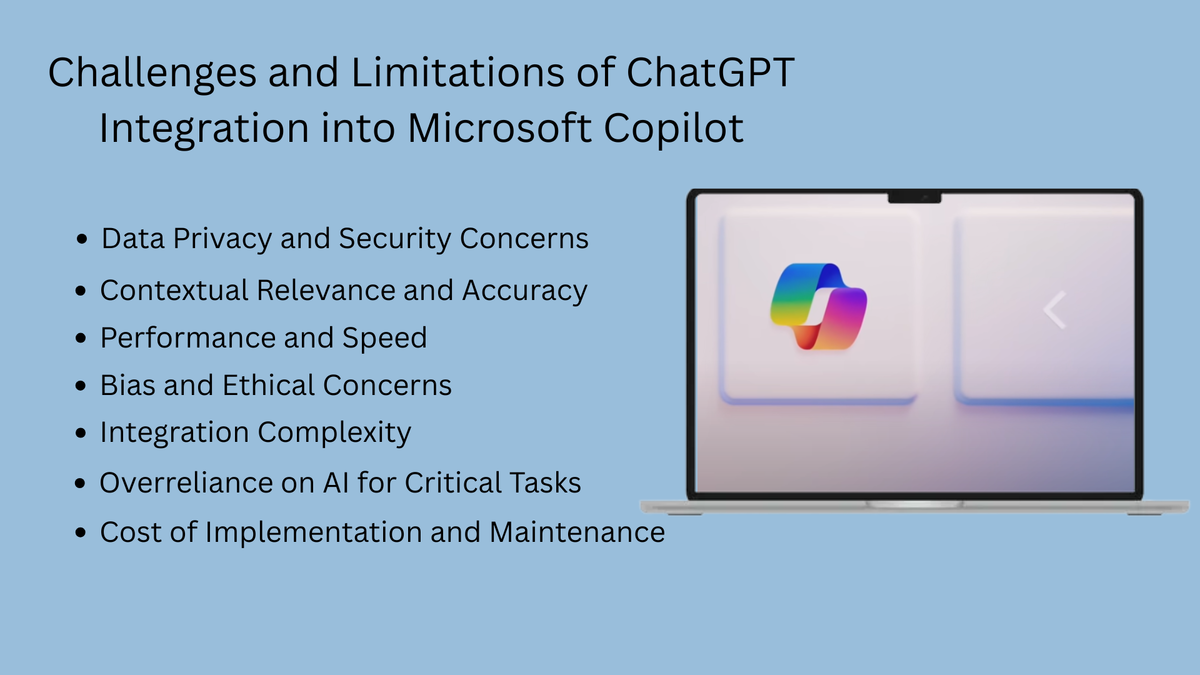
Here are some key challenges associated with the integration:
1. Data Privacy and Security Concerns
One of the most significant challenges when integrating ChatGPT into Microsoft Copilot is ensuring that user data is handled securely.
ChatGPT requires access to large amounts of data, and in business contexts, this can include sensitive company information, emails, and private documents.
While Microsoft takes measures to secure data through its Azure infrastructure, users must still be cautious about data exposure and potential misuse. Ensuring compliance with data privacy laws (such as GDPR) and maintaining strict access controls is critical.

2. Contextual Relevance and Accuracy
ChatGPT, while powerful, can sometimes struggle with maintaining contextual accuracy over extended interactions. In scenarios where users expect highly specific or technical outputs (e.g., generating business analytics or creating precise financial reports),
ChatGPT may misinterpret or provide generic answers that are not fully relevant to the context. Overcoming this challenge requires fine-tuning and specialized training on industry-specific data to ensure that Copilot remains highly relevant for specific business tasks.
3. Performance and Speed
Integrating a large language model like ChatGPT into a real-time system such as Microsoft Copilot can introduce performance bottlenecks, particularly in complex tasks like data analysis or generating reports with large datasets.
The need for real-time responses could conflict with the time required to process and generate accurate results. Optimization of the underlying infrastructure, such as cloud computing resources, becomes essential to avoid lag and ensure efficient task processing.
4. Bias and Ethical Concerns
ChatGPT has been trained on vast datasets that include both useful and biased information. When integrated into Microsoft Copilot, there is the potential for perpetuating or amplifying biases in content generation.
5. Integration Complexity
Integrating ChatGPT into a mature, complex product like Microsoft Copilot can be technically challenging. Microsoft has to ensure seamless interaction between ChatGPT and its existing tools like Word, Excel, and Teams.
This involves adapting the AI model to work with proprietary Microsoft Graph data, customizing it for specific business needs, and ensuring that the integration doesn’t disrupt existing workflows.
6. Overreliance on AI for Critical Tasks
As organizations adopt ChatGPT-powered Copilot for various business operations, there is a risk of over-relying on AI for critical tasks that may require human judgment.
Overreliance on automated outputs could result in errors, misunderstandings, or poor decision-making.
7. Cost of Implementation and Maintenance
While integrating ChatGPT into Microsoft Copilot adds value, the ongoing costs can be significant. These include the cost of licensing the AI technology from OpenAI, cloud storage, data processing, and continuous training and improvement of the model to keep it relevant.
For businesses, these costs could escalate depending on the scale and frequency of AI interactions. Budgeting for these ongoing costs, especially for larger enterprises, is crucial to maximize the return on investment.
Explore Our Microsoft Copilot Solution
FAQs
How does Microsoft Copilot improve productivity?
Microsoft Copilot automates repetitive tasks, generates content, summarizes information, and provides data insights. It saves users time by helping them with document drafting, data analysis, meeting summaries, and much more, allowing them to focus on higher-level tasks.
Can Microsoft Copilot be used in all Microsoft 365 applications?
Yes, Microsoft Copilot is integrated across multiple Microsoft 365 applications such as Word, Excel, PowerPoint, Outlook, and Teams, providing a seamless AI experience within these tools.
What industries benefit the most from Microsoft Copilot?
Industries such as finance, healthcare, education, and marketing benefit the most from Microsoft Copilot. It helps professionals automate data analysis, generate reports, streamline workflows, and manage communication efficiently.
Is Microsoft Copilot secure for business use?
Yes, Microsoft Copilot is built with enterprise-grade security and compliance in mind. It integrates into Microsoft’s secure cloud infrastructure and follows strict data privacy protocols, ensuring that user data remains protected.
What are the main limitations of Microsoft Copilot?
Some limitations of Microsoft Copilot include potential privacy concerns, as it requires access to personal and business data; occasional contextual errors in complex tasks; and reliance on an internet connection for cloud-based AI processing.
How does Microsoft Copilot differ from ChatGPT?
While both use similar AI models, Microsoft Copilot is integrated directly into Microsoft’s productivity suite and is optimized for tasks like document generation, data analysis, and workflow automation, whereas ChatGPT is a general-purpose conversational AI.
How can businesses integrate Microsoft Copilot into their workflow?
Businesses can integrate Microsoft Copilot through Microsoft 365 subscriptions. Copilot is embedded within the suite’s applications and can be activated based on subscription plans that support its features.
Will Microsoft Copilot continue to evolve with new AI features?
Yes, Microsoft Copilot will continue to evolve as AI technology advances. Future updates will likely bring more powerful AI capabilities, better integration with third-party applications, and deeper customization to meet the specific needs of businesses.
Conclusion
Does Microsoft Copilot use ChatGPT? Yes, Microsoft Copilot leverages the same underlying AI models developed by OpenAI, including the GPT models that power ChatGPT.
While Copilot isn’t the same as ChatGPT, it uses these powerful language models to enhance productivity within Microsoft 365 applications by automating tasks, generating content, and analyzing data.
The integration of ChatGPT’s AI technology into Microsoft Copilot has a significant impact on the way businesses and individuals interact with their productivity tools.
At Centric, we recognize how this transforms traditional workflows, making tasks faster and more efficient while ensuring a personalized experience. As AI technology continues to advance, Microsoft Copilot’s capabilities will evolve, offering even more intelligent and context-aware assistance, ultimately reshaping how we approach daily work.






